
Overview
Overview
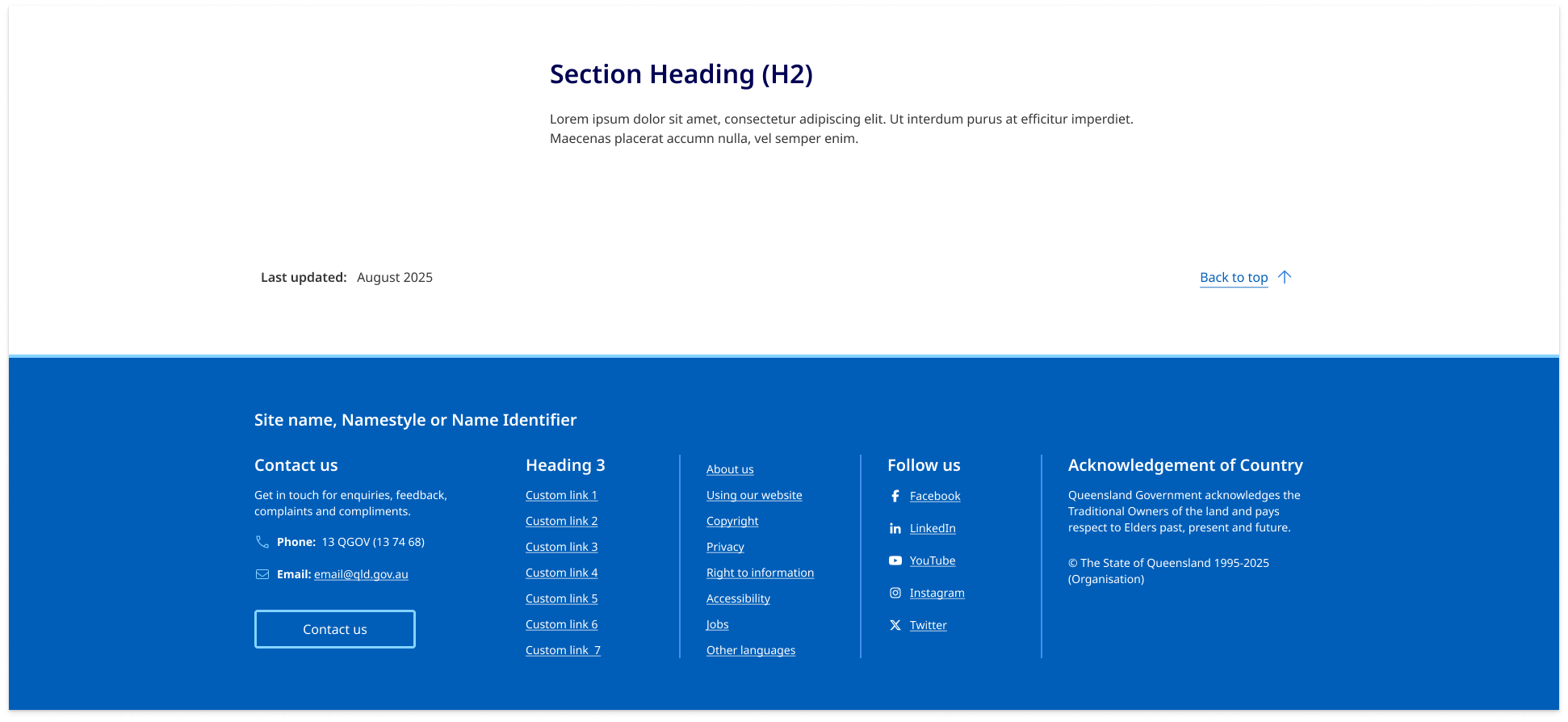
The 'Back to top' pattern helps users quickly navigate back to the start of a long page.
Use JavaScript to implement the link to ensure that using the link does not interfere with the expected back button behaviour or add an entry to the user’s browser history.
Back to top
Place the 'Back to top' link above the footer, aligned to the bottom-right corner of the page within the layout grid - often on the same line as 'Last updated' information.
Responsive behaviour
On extra small screens (under 400px wide), move it to it’s own line and align it to the left for better visual balance.

Usage guidelines
When to use
- on pages that are long, where scrolling back to the top would be cumbersome.
When not to use
- on short pages
- if there is already another way to return to the top of the page
- if it adds confusion or unnecessary clutter to the layout.